SSH Key Verify
Confirm key ownership with a short SSH handshake
Simplify SSH key management with SSHVerify. Let a user verify their ownership of an SSH key by connecting to our SSH server.
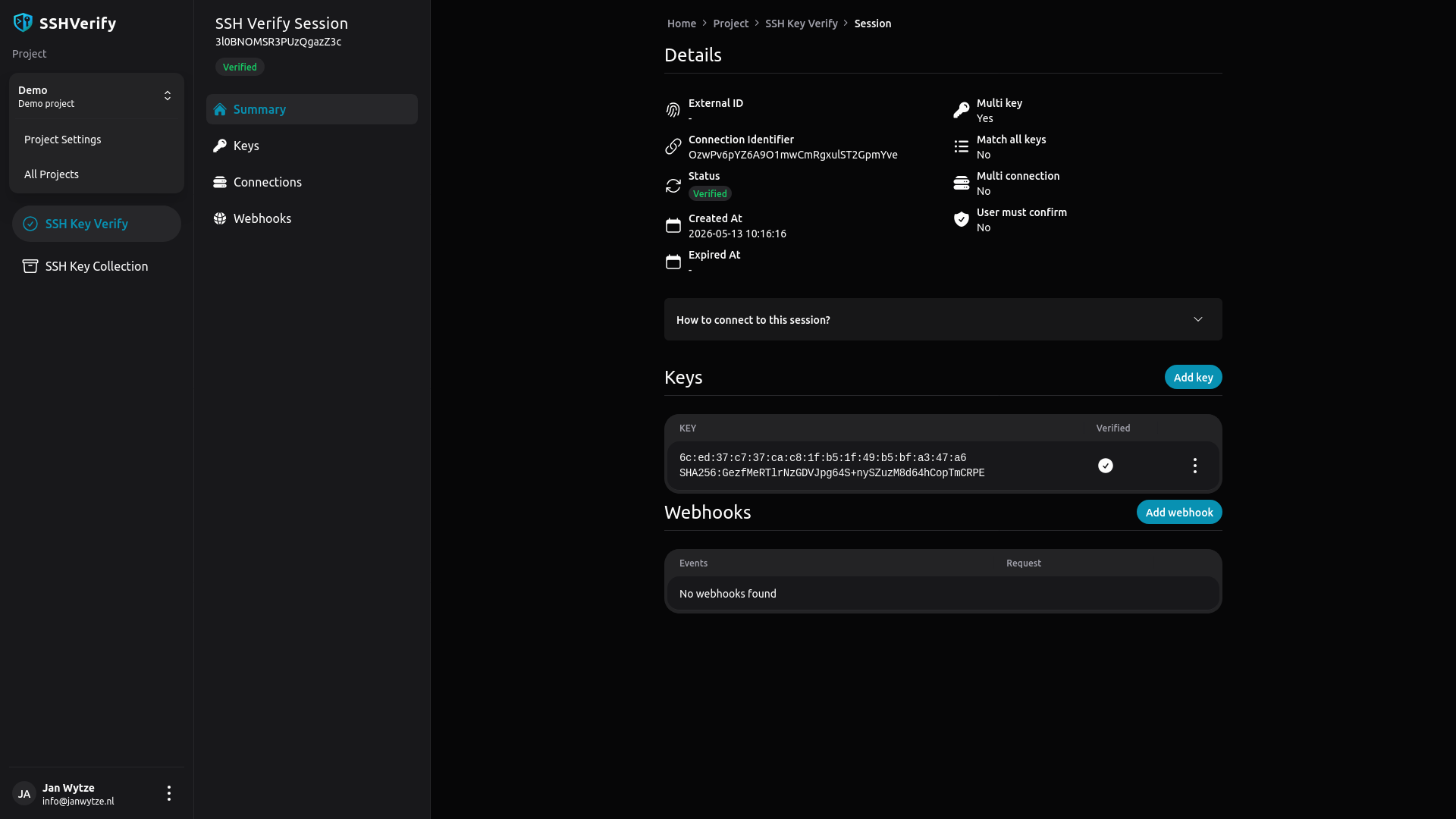
Start verifying SSH keys in just a few steps
Step 1: Create an account
Create a free account on SSHVerify.
Step 2: Create a project
Your project is where you'll manage your SSH key verification sessions and settings.
Step 3: Create an API key
Generate an API key to authenticate your requests to the SSHVerify API.
Step 4: Create a SSH Key Verification Session
Use the API or App to create a new SSH key verification session.
Connect to the created session
SSH Key Verify Features
Discover the powerful features that make SSHVerify the ideal choice for SSH key management.
Verify with just a single command
Easily verify SSH key ownership with a simple command, streamlining the authentication process for users.
Multi key verification
Support for verifying multiple SSH keys in a single session, supporting authentication scenarios where multiple users have access.
Customizable verification prompts
Tailor the verification prompts to fit your application's needs, enhancing user experience.
Detailed connection overview
Gain insights into connection attempts, including timestamps and IP addresses, for better security monitoring.